
Goospin Sign Up and Login

Getting started at Goospin Casino takes about sixty seconds for new Aussie players. The sign-up form asks for the essentials — name, date of birth, email, and phone — then sets up an account in Australian dollars ready for instant play. Returning members log straight back in from the top of any page, with the option of biometric sign-in available on mobile devices. Account verification happens behind the scenes shortly after registration, opening the door to faster withdrawals and the full welcome package once the first deposit clears the platform.
Creating a Goospin Account in Four Quick Steps
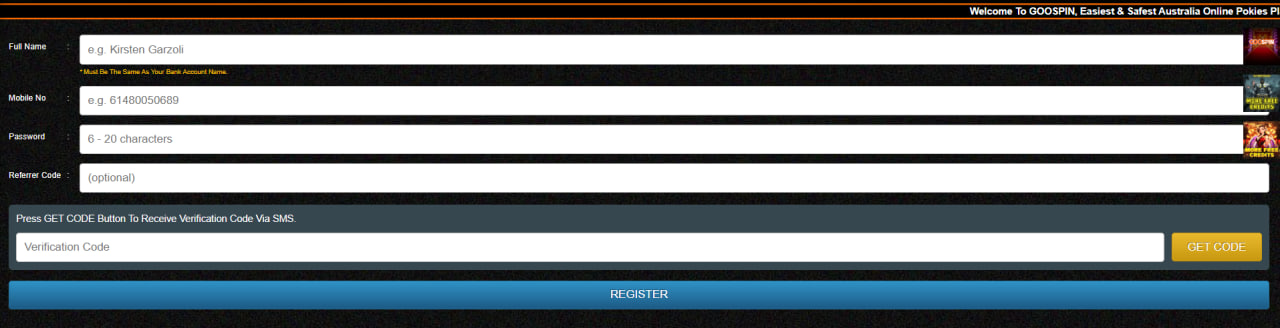
Goospin keeps registration tight and simple, walking new players through four clear steps from the moment they click sign up to the first deposit. The whole process runs on a single page on desktop, or across a few short mobile screens — same form, same workflow on phone, tablet, or laptop.
- Click the Sign Up button — look for the bright button at the top right of any Goospin page. The short registration form opens straight away with no preliminary pop-ups blocking the way.
- Enter the essential details — full name, date of birth (proving 18 or over), email address, phone number, and a secure password of at least eight characters. Weak passwords are flagged in real time.
- Set Australian Dollars as the currency — selecting AUD locks it in as the deposit, play, and withdrawal currency for the life of the account. No conversion fees, no FX surprises later on.
- Confirm and claim the welcome package — submit the form, click the verification link sent to the inbox, and head to the cashier. The matched bonus and free spins activate the moment the first qualifying deposit clears.
Most players complete the four steps in under sixty seconds. Live chat agents help directly with form fields, password resets, and country eligibility checks if anyone gets stuck.
Verifying an Account — How KYC Works at Goospin
Account verification — known as KYC, for "Know Your Customer" — happens after registration but before the first significant withdrawal. It's a standard step required under Curaçao licensing and international anti-money-laundering law, designed to confirm that the right person sits behind the right account from the start.
Documents Goospin Requires
- ID document — passport, Australian driver licence, or any government-issued photo identification with a clear date of birth
- Proof of address — recent utility bill or bank statement no older than three months and showing the registered name
- Proof of payment method — front of bank card with middle digits masked, or a relevant e-wallet screenshot if a digital wallet was used
Goospin KYC Timeline at a Glance
| Stage | Typical Duration |
|---|---|
| Document upload by player | 5 minutes |
| Review by Goospin compliance team | 24 – 48 working hours |
| First withdrawal release after approval | Within 24 hours |
| Subsequent withdrawals via PayID or crypto | 0 – 24 hours |
The KYC process happens only once per member — future withdrawals require no re-verification.
Logging Back In as a Returning Player
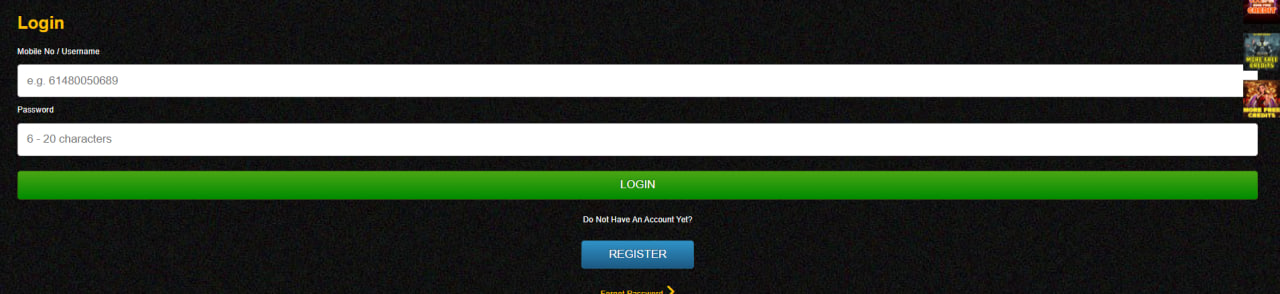
Returning Aussie members log into Goospin from the same place new players sign up — the top right on desktop or the top of the mobile menu. The login form accepts the registered email (or username) plus the chosen password, and members can tick "remember this device" to skip the step on trusted hardware next time.
Mobile players can enable biometric sign-in from account settings — Face ID and Touch ID on iPhone, fingerprint on most Android devices. The full account dashboard loads immediately after login, with bonuses, balance, pokies history, and the cashier all one tap away.
Resetting a Forgotten Password
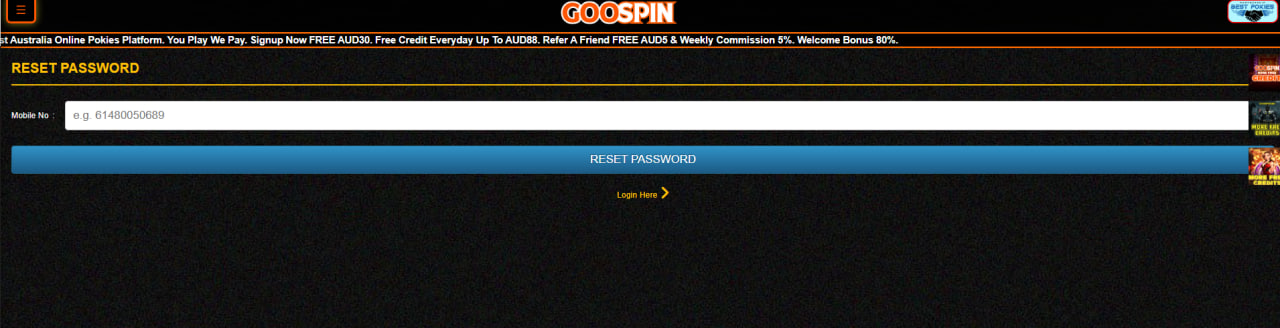
Anyone who forgets their Goospin password can reset it in three steps: click Forgot Password on the login screen, enter the registered email address, and follow the secure reset link sent to the inbox within minutes. Reset links expire after thirty minutes for security — players who run out of time can simply request a fresh link from the same form, with no limit on retries.
Common Sign-Up and Login Hiccups
A handful of issues come up more often than others during sign-up or login. Most have quick, do-it-yourself solutions members can apply before reaching out to support:
- Email already registered — try logging in instead, or use the password reset flow to regain access
- Verification email not arriving — check spam and junk folders, then request a resend through live chat
- Country not supported — Goospin accepts players from select regions, with Australia among the primary supported markets
- Account temporarily locked — wait fifteen minutes after multiple wrong attempts, or contact live chat for an immediate unlock
Players ready to deposit can review activation terms on the Goospin welcome bonus page, or open the mobile app guide for a smoother phone experience.

Magnus Brimsdale
Magnus Brimsdale reports on Goospin Casino at goospinncasino.com, the Curaçao eGaming-licensed Aussie-focused casino with PayID-native AUD banking, 1,000+ pokies from Pragmatic Play/NetEnt/Play'n GO/Betsoft/Microgaming and Evolution Gaming/Pragmatic Play Live dealer tables (Live Blackjack/Roulette/Baccarat/Crazy Time/Lightning Roulette). Covers the 100%/AU$500 + 100 FS welcome at 35× wagering, 4-tier Bronze→Diamond VIP loyalty, weekly Friday pokie releases, Android signed APK + iOS Safari PWA distribution, PayID 1-24h withdrawals + crypto 0-12h after KYC verification, 256-bit SSL encryption with biometric login and certified independent RNG audits.